How to Return a Product
Policies and process for returning a product
Please follow the steps below to return items from your order:
- Before requesting a return, please review the return policy under the Terms & Conditions.
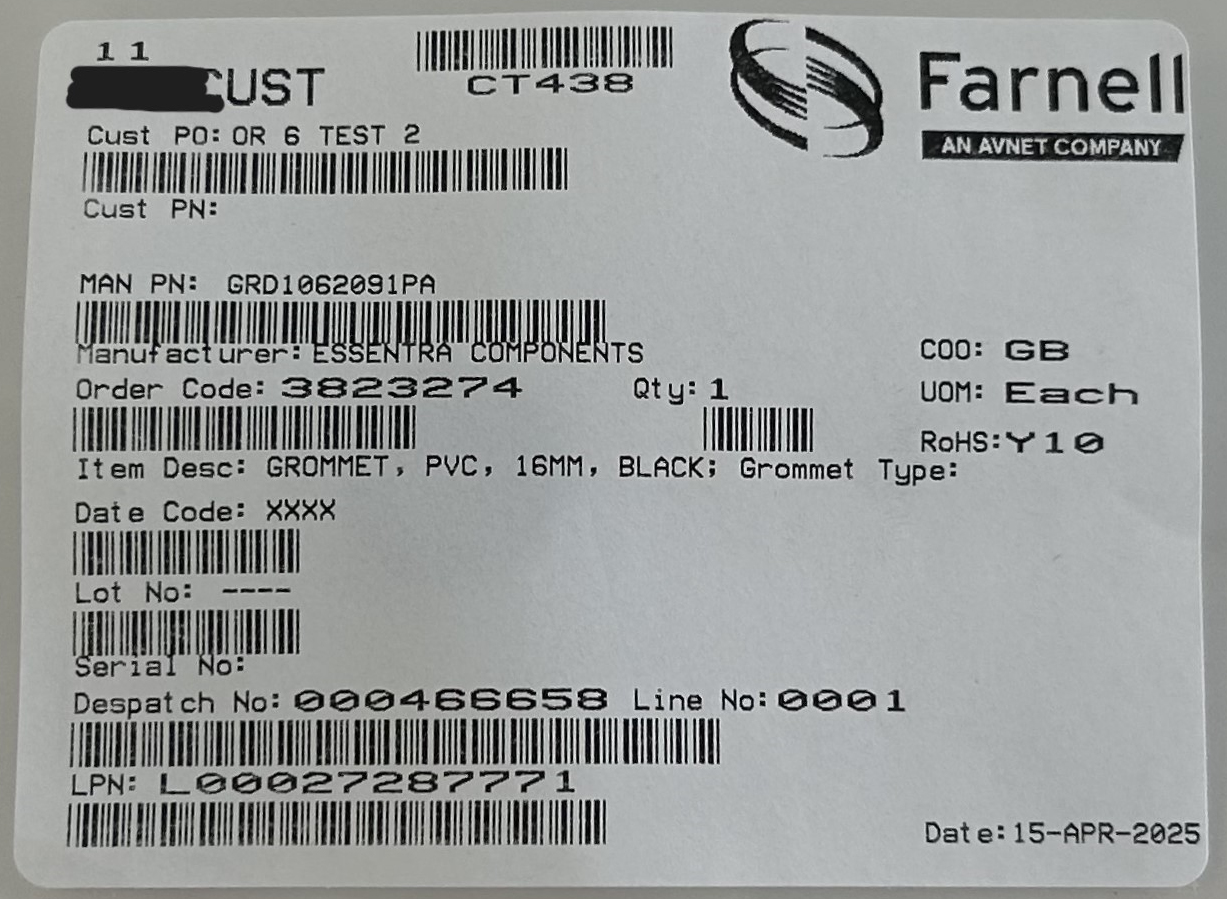
- If the product you purchased is eligible for return, please complete the form below to request a return materials authorisation (RMA) number. At the same time, please email a photo of the requesting product label. The label is attached to each product package or bag and shows details such as the part number and order code (example of label).
Please send the email to our Customer Service Returns team at jp-returns@farnell.com. Do not return the product until you have received confirmation, including the RMA number.
- Once you have received return confirmation, including the RMA number and further instructions, please return the product. Clearly mark the RMA number on the outside of the return package. Please note that returns without a visible RMA number cannot be accepted.
Deal with Product Damage
Please check all deliveries when they are delivered for shortages or external signs of damage. If you find a problem, please contact our customer service department. If containers in your delivery appear damaged, you should immediately unpack them and inspect the contents. If there is damage, please contact our customer service department. Even if the containers in your delivery appear undamaged, you should still unpack and examine them as soon as possible. If you find concealed loss or damage, immediately contact our customer service department. Please do not dispose of any containers or packing material before any carrier inspection.
If you are unsure if your product is returnable you may contact us:
- Email, customer service for return: jp-returns@farnell.com
- Phone: 0120-981-643 (9:00am - 5:30pm, Monday - Friday)